Domino's Website Usability Study
A moderated usability study testing how well real users could navigate Domino's Pizza's ordering flow, from customizing a pizza to buying a gift card.
Watching real people try to order, not just asking their opinion
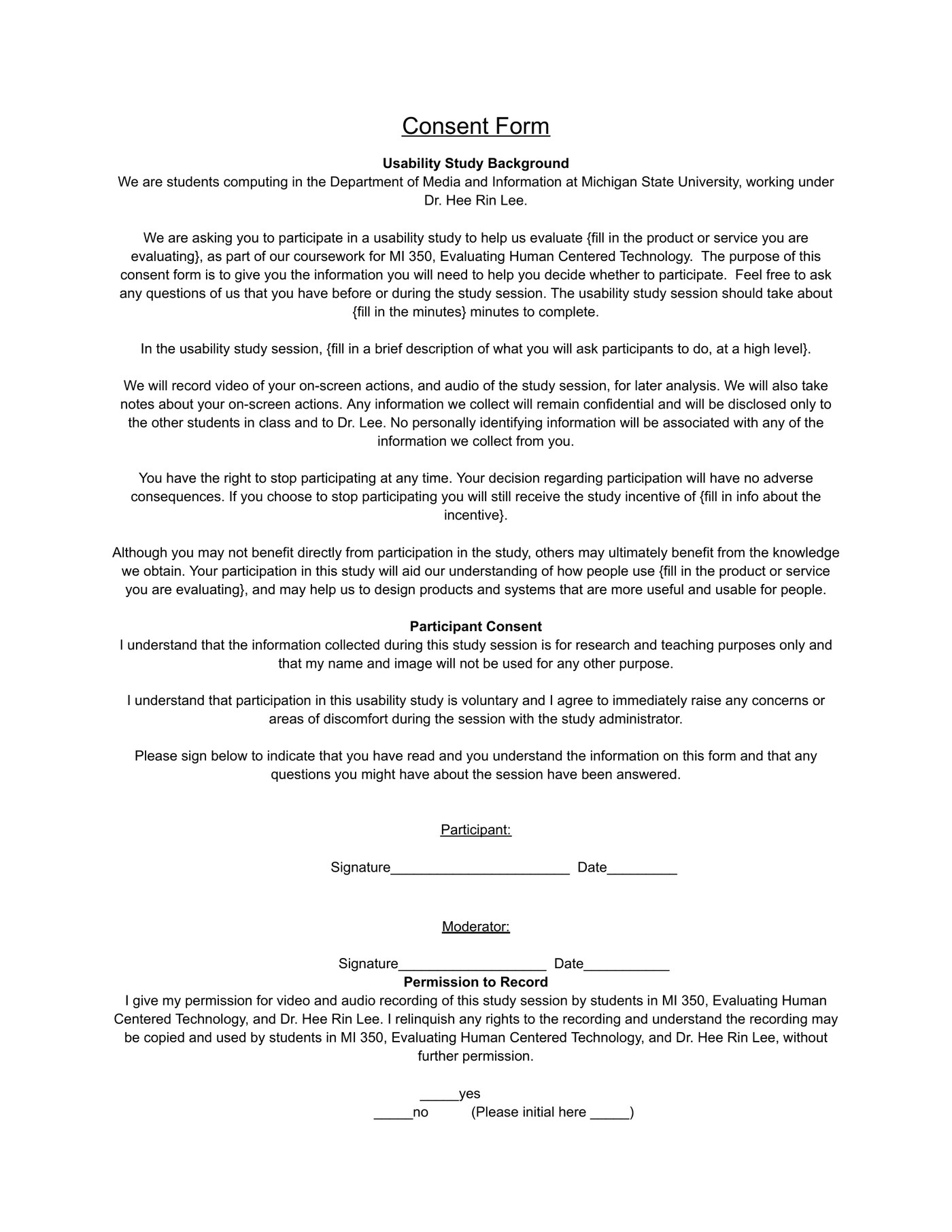
My partner and I ran a moderated usability study on the real Domino's Pizza website to see how well it actually supports the tasks people use it for. We recruited six participants, had each sign a consent form covering recorded screen and audio, and ran them through a think-aloud protocol — narrating what they were doing and thinking as they worked through the site, with a moderator prompting and taking notes.
Four tasks covering the core ordering flow
Each session covered the same four tasks, moving from the most common use case to a much less common one: build a custom pizza (size, crust, at least three toppings) and reach checkout; search for that pizza and work out its total calories; add three specific separate items to the cart (an icing dipping cup, cinnamon bread, and a Memphis BBQ Chicken pizza); and create a personalized $50 gift card with a chosen design and message, then add it to the cart.
One task caused almost all of the friction: gift cards
Pizza customization and adding items to the cart went smoothly for nearly everyone — but the gift card task was a different story. All six participants had noticeable trouble just locating the gift card section in the first place. Several guessed their way through the coupons page or the main menu before finding it, one participant took around four minutes and nearly gave up, and more than one only found it "at the bottom" of the page after scrolling past it once already.
"Oppe, it took me too online. Is that supposed to happen?"
— participant, gift card taskTwo problems compounded on top of the navigation issue. Once inside the gift card flow, several participants had to scroll through a long, unfiltered list of card designs to find a specific one (like "Best Teacher"), worried the whole time that they'd scroll past it. And for a few participants, selecting a gift card unexpectedly redirected them off the Domino's site entirely to a separate storefront — which read as disorienting and, for at least one participant, mildly untrustworthy.
What we'd change
Three fixes came directly out of the sessions: give gift cards their own clear entry in the main navigation instead of burying it at the bottom of the page or inside the coupons section; add a search or filter to the card-design picker instead of a long unstructured scroll; and keep the gift card purchase flow inside the app itself rather than redirecting to an external site, to avoid breaking trust at the exact moment someone's entering payment details.
What running real sessions taught us
The think-aloud protocol surfaced things a survey never would have — the actual moment-to-moment hesitation, backtracking, and "wait, did I already look here?" that participants went through, especially on the gift card task. It was also a good lesson in how consistent a finding needs to be before you trust it: pizza customization felt solid because nobody struggled with it, while the gift card issue was clearly real because every single participant ran into some version of it, independently, without being led there.